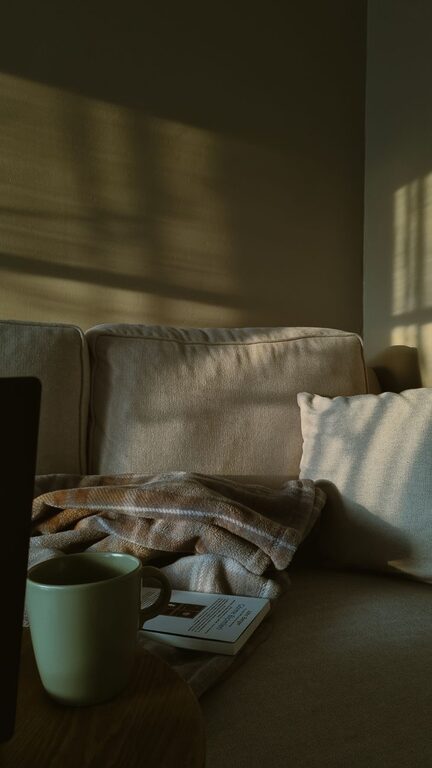
Creating a home office that is both productive and comfortable can make a big difference in your work-from-home experience. Whether you are new to remote work or looking to improve your existing setup, designing a space that supports focus and well-being is essential. In this post, we share practical tips to help you build a home office tailored to your needs.
Choose the Right Location
Finding the right spot in your home is the first step in setting up an effective workspace. Ideally, your home office should:
– Be in a quiet area, away from high-traffic zones
– Have sufficient natural light to reduce eye strain and enhance mood
– Offer enough space for your desk, chair, and equipment
If space is limited, consider using a corner of a room or a section of the living area that can be dedicated to work during office hours.
Invest in an Ergonomic Chair and Desk
Comfort is key to maintaining focus during long work sessions. An ergonomic office chair supports your back and encourages good posture, helping to prevent fatigue and discomfort.
When selecting your desk, consider the following:
– Height: It should allow your arms to rest comfortably at a 90-degree angle while typing.
– Surface area: Enough space to accommodate your computer, notepad, and other essentials.
– Adjustable options: Standing desks or adjustable desks offer flexibility and promote movement.
Optimize Lighting
Good lighting reduces eye strain and creates a welcoming atmosphere. Here’s how to improve your home office lighting:
– Utilize natural light by positioning your desk near windows.
– Complement with task lighting such as an adjustable desk lamp.
– Avoid harsh overhead lighting or glare on your screen.
Organize with Storage Solutions
Clutter can disrupt your concentration. Keep your workspace tidy by incorporating smart storage options:
– Shelves or bookcases for books and files
– Desk organizers for pens, papers, and small tools
– Cable organizers to manage cords neatly
Creating a dedicated place for everything simplifies your workflow and keeps distractions at bay.
Personalize Your Space
Adding personal touches can make your office space more inviting. Consider:
– Photos or artwork that inspire you
– Plants for a touch of nature and improved air quality
– Comfortable accessories like cushions or a soft rug
However, avoid overcrowding your workspace to maintain a clean, distraction-free environment.
Manage Noise and Distractions
A calm environment supports concentration. To reduce noise:
– Use noise-cancelling headphones if needed
– Add rugs or curtains to absorb sound
– Set clear boundaries with household members during work hours
Establishing routines and communicating your schedule can also help minimize interruptions.
Equip Your Office with the Right Tools
Ensure you have everything needed to complete your tasks efficiently:
– Reliable internet connection
– Quality computer or laptop suited to your job requirements
– Keyboard and mouse that offer comfort and precision
– Printer, scanner, or other peripherals as necessary
Keeping your technology up-to-date and functioning properly will save time and frustration.
Establish a Daily Routine
Your environment is important, but habits also play a vital role in productivity:
– Set regular working hours to create consistency
– Take short breaks to stretch and refresh your mind
– Keep healthy snacks and water nearby to stay energized
A balanced routine helps maintain focus and prevents burnout.
Keep Your Workspace Clean
Regular cleaning boosts both comfort and focus. Wipe down surfaces, dust electronics, and vacuum floors often. A clean office signals that you’re ready to work and supports a positive mindset.
—
Crafting a home office that merges comfort with productivity is a thoughtful process. By selecting the right location, investing in ergonomic furniture, optimizing lighting, and maintaining organization, you can create a workspace that motivates and supports your best work. Remember that personalization and routine also play important roles in making your home office a pleasant and efficient place to be. Take time to adjust your setup as needed until it feels just right for you.
About the Author